
Threat Overview
In a sophisticated phishing campaign that has been identified by Netskope Threat Labs and reported by AlienVault, threat actors are exploiting the ubiquity of video‑conference platforms such as Zoom, Microsoft Teams, and Google Meet to deliver malicious payloads. The attackers create convincing meeting invitations that appear to come from legitimate sources and lure recipients into downloading software updates that are, in reality, digitally signed remote monitoring and management (RMM) tools. These tools include Datto RMM, LogMeIn, and ScreenConnect – all of which are legitimate, high‑profile products used by many enterprises for legitimate remote administration.
How the Attack Works
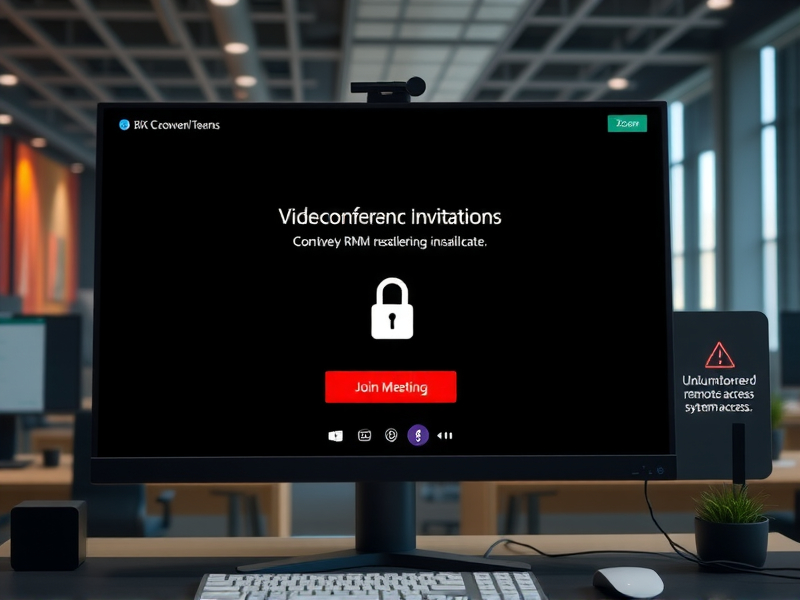
The attack chain begins with the creation of a phishing page that mimics the look and feel of a real video‑conference platform. The page presents the user with a countdown timer and a sense of urgency, prompting them to click a “Join Meeting” button. Instead of opening a genuine video call, the link initiates a download of an RMM installer. Because the installer is signed with a valid certificate, most endpoint protection solutions treat it as safe and allow it to execute.
Once the RMM tool is installed, the attacker gains administrative remote access to the victim’s machine. From there, they can move laterally within the network, exfiltrate data, or deploy additional malware. The use of well‑known RMM products provides a double advantage: the attackers benefit from the trust placed in these tools, and the attackers can leverage the full feature set of the RMM platform to maintain persistence and orchestrate further attacks.
Indicators of Compromise
Security teams should look for the following signs:
- Unexpected installation of RMM software on endpoints, especially if the installer was not requested by the user.
- Unusual outbound network connections from the RMM process to external IPs or domains that are not part of the organization’s normal traffic.
- Phishing emails or webpages that closely resemble legitimate Zoom, Teams, or Meet interfaces.
- Logs indicating remote session initiation from unknown or suspicious IP addresses.
Mitigation Recommendations
To defend against this threat, organizations should adopt a multi‑layered approach:
- Awareness Training: Conduct regular phishing simulations that include video‑conference lures. Educate users to verify meeting links and to report suspicious invitations.
- Email and Web Filtering: Deploy advanced threat protection that can block or quarantine emails containing known malicious URLs and attachments. Ensure that the filter can detect URLs that redirect to phishing pages mimicking video‑conference sites.
- Endpoint Hardening: Enforce application whitelisting so that only approved executables can run. Verify that any RMM software installed on endpoints is authorized and tracked.
- Certificate Management: Monitor the issuance of digital certificates and maintain a list of legitimate RMM vendors. Flag any signed binaries that do not match known vendor certificates.
- Network Segmentation: Restrict RMM access to the minimum necessary network segments. Use least‑privilege principles so that even if an attacker gains RMM access, lateral movement is limited.
- Continuous Monitoring: Implement endpoint detection and response (EDR) solutions capable of detecting anomalous RMM activity, such as unexpected remote session creation or data exfiltration.
Conclusion
The use of trusted RMM tools as delivery mechanisms demonstrates how threat actors can subvert conventional security controls by piggybacking on legitimate software ecosystems. By combining social engineering with the trust placed in remote administration tools, attackers can bypass many traditional defenses and establish a persistent foothold in corporate networks. A proactive stance—emphasizing user education, rigorous application control, and continuous monitoring—remains the most effective strategy to mitigate these evolving threats.
