
Introduction
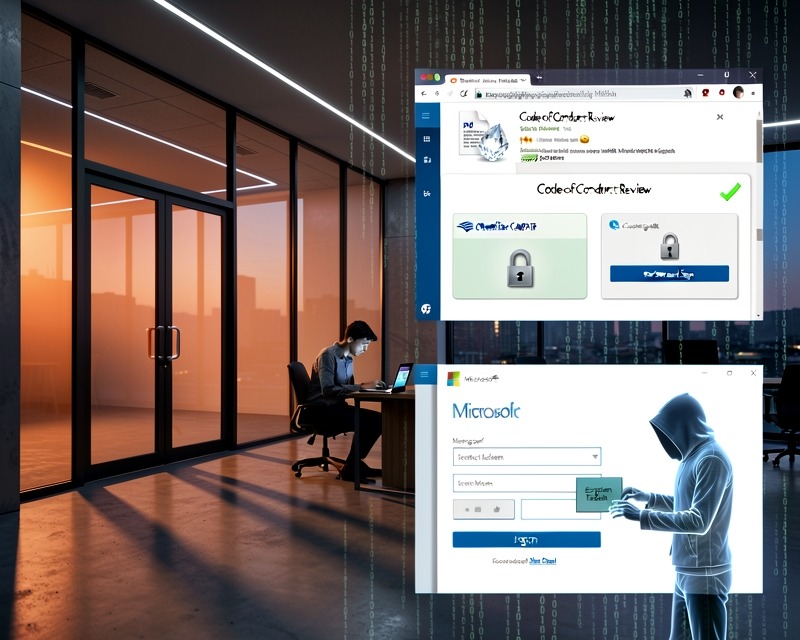
Microsoft Security Research unveiled a sophisticated multi‑stage phishing operation in early May 2026 that leveraged a “code of conduct” narrative to lure victims into a seemingly legitimate sign‑in flow. Attackers then hijacked that flow in real time, capturing authentication tokens and gaining immediate access to compromised accounts. The following analysis distills the threat actor’s tactics, the full attack chain, and actionable mitigations for security teams.
Attack Narrative
The campaign began with a barrage of emails that appeared to come from internal compliance or regulatory teams. Sender addresses such as cocpostmaster@cocinternal[.]com and nationaladmin@gadellinet[.]com were used. Subject lines promised a “code of conduct review” and urged recipients to “open the personalized attachment” to view case materials. The emails employed polished, enterprise‑style HTML templates, embedded organization‑specific names, and a sense of urgency that pressured recipients to act quickly.
Attachments were PDFs titled Awareness Case Log File – Tuesday 14th, April 2026.pdf and Disciplinary Action – Employee Device Handling Case.pdf. Inside the PDFs, a link labeled “Review Case Materials” directed users to attacker‑controlled domains such as acceptable‑use‑policy‑calendly[.]de and compliance‑protectionoutlook[.]de.
Multi‑Stage Lure Flow
Stage 1 – CAPTCHA Gate
Users first encountered a Cloudflare CAPTCHA that was presented as a “valid session” check. This step hindered automated analysis and sandbox detonation.
Stage 2 – Intermediate Page
After the CAPTCHA, an intermediate page informed users that the requested documentation was encrypted and required account authentication. The page also suggested the user click “Review & Sign.”
Stage 3 – Sign‑In Prompt
Clicking the button brought up a prompt for the user’s email address, followed by a second CAPTCHA involving image selection. Once completed, a confirmation message indicated that verification was successful.
Stage 4 – Final Redirection
The final page, which varied by device type, asked users to schedule a discussion about the case. Selecting “Sign in with Microsoft” triggered a Microsoft authentication page. The flow was hijacked in real time, allowing attackers to capture authentication tokens—an adversary‑in‑the‑middle (AiTM) technique that bypasses multi‑factor authentication (MFA).
Operational Footprint
The campaign targeted more than 35,000 users across 13,000 organizations in 26 countries, with 92% of victims located in the United States. Industries hit included Healthcare & Life Sciences (19%), Financial Services (18%), Professional Services (11%), and Technology & Software (11%). Emails were sent in multiple waves from 06:51 UTC on April 14 to 03:54 UTC on April 16.
Mitigation & Protection Guidance
- Review and enforce Exchange Online Protection settings and Microsoft Defender for Office 365.
- Deploy user awareness training and phishing simulations using Microsoft Defender for Office 365.
- Enable Zero‑hour Auto Purge (ZAP) to neutralize malicious messages retroactively.
- Manually purge emails with suspicious URLs or subject lines similar to known bad messages; use Threat Explorer for investigation.
- Activate Safe Links and Safe Attachments in Microsoft Defender for Office 365.
- Enable network protection in Microsoft Defender for Endpoint.
- Encourage the use of Microsoft Edge or other browsers that support Microsoft Defender SmartScreen.
- Implement password‑less authentication (Windows Hello, FIDO keys, Microsoft Authenticator) and strengthen privileged accounts with phishing‑resistant MFA.
- Configure automatic attack disruption in Microsoft Defender XDR to contain ongoing attacks.
Detection Coverage
Microsoft Defender products provide comprehensive coverage across the attack chain. For example, Microsoft Defender for Office 365 detects phishing URLs and malicious attachments; Microsoft Entra ID Protection identifies anomalous sign‑in tokens; Microsoft Defender for Cloud Apps flags impossible travel activity. Security Copilot can generate incident summaries, hunting queries, and automated responses to accelerate investigation.
Advanced Hunting Query Example
To locate campaign emails by sender address, run the following query in Microsoft Defender XDR:
EmailEvents | where SenderMailFromAddress in ("cocpostmaster@cocinternal[.]com", "nationaladmin@gadellinet[.]com", "nationalintegrity@harteprn[.]com", "m365premiumcommunications@cocinternal[.]com", "[email protected][.]de")Indicators of Compromise
| Indicator | Type | Description | First Seen | Last Seen |
|---|---|---|---|---|
| compliance-protectionoutlook[.]de | Domain | Hosting malicious campaign content | 2026-04-14 | 2026-04-16 |
| acceptable-use-policy-calendly[.]de | Domain | Hosting malicious campaign content | 2026-04-14 | 2026-04-16 |
| cocinternal[.]com | Domain | Sender email domain | 2026-04-14 | 2026-04-16 |
| Awareness Case Log File – Tuesday 14th, April 2026.pdf | Filename | Phishing PDF attachment | 2026-04-15 | 2026-04-15 |
| 5DB1ECBBB2C90C51D81BDA138D4300B90EA5EB2885CCE1BD921D692214AECBC6 | SHA-256 | Campaign PDF hash | 2026-04-14 | 2026-04-16 |
Additional Resources
For more details, refer to the original blog post: Breaking the code: Multi‑stage phishing campaign leads to AiTM token compromise. External threat intelligence can be found at AlienVault Pulse.
